
Style examples
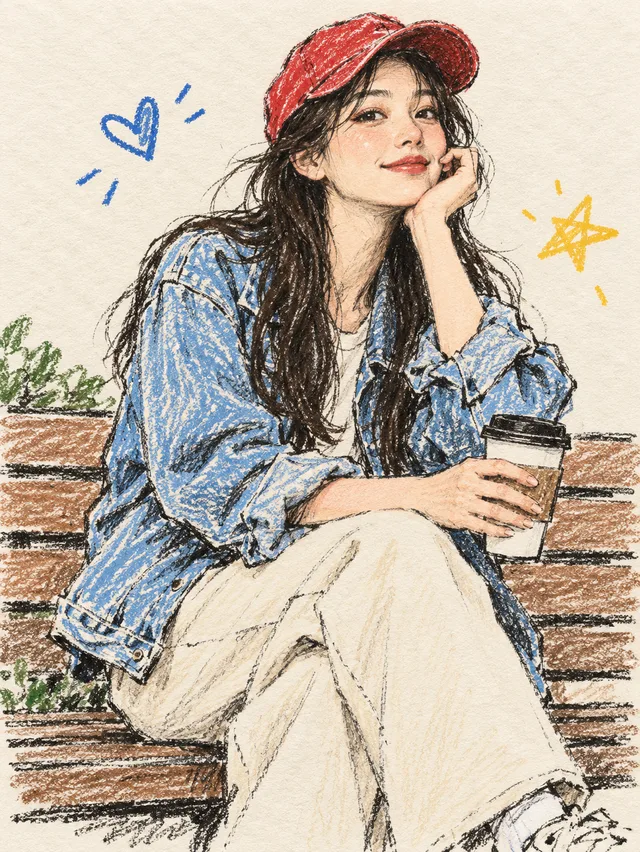
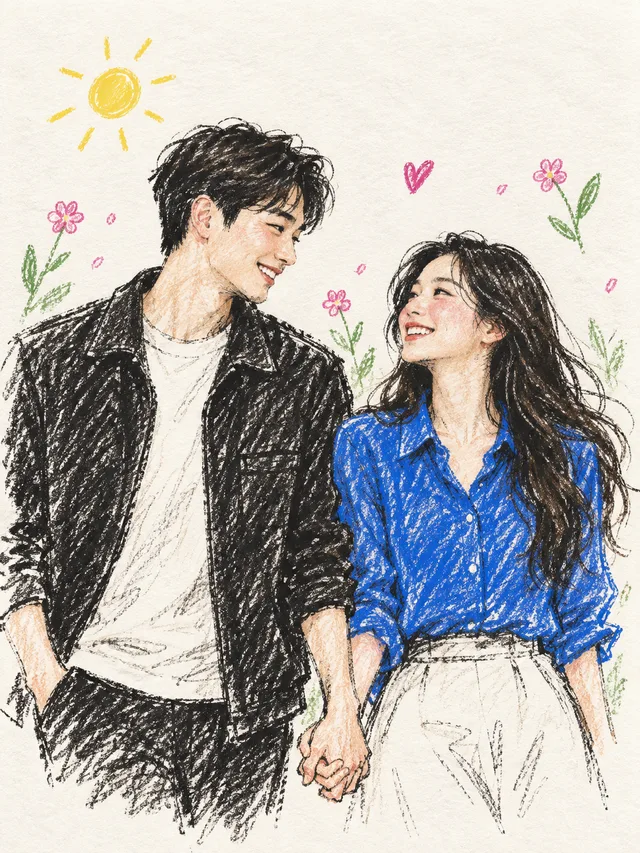
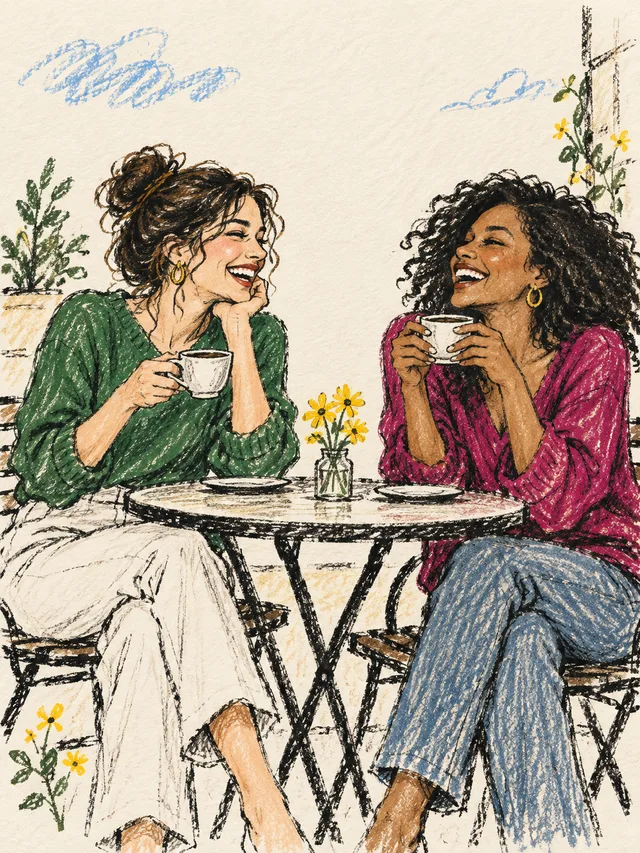
No examples for this style yet.
These are AI style examples, not customer orders — your result varies with your photo.
Photo to Sketch — Your Photo, Redrawn in Pencil
Turn your photo into a colored-pencil illustration with AI. Upload one photo and create a digital keepsake.
No sign-up required1 credit per illustrationDigital download
No examples for this style yet.
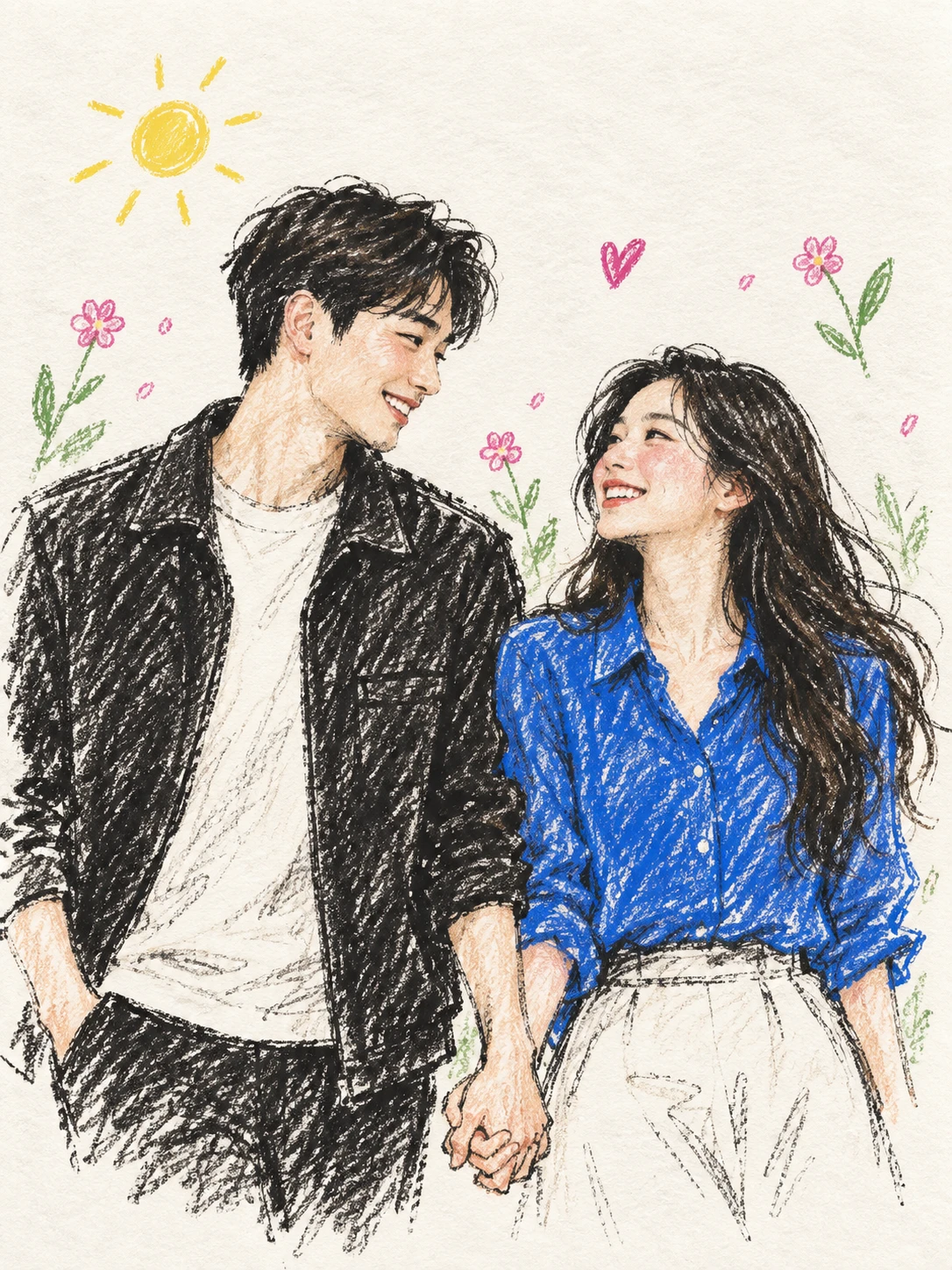
Upload a photo and get a sketch-style illustration in colored pencil: the softness of a hand-drawn look, kept in color.
Before and after: input image to AI illustration

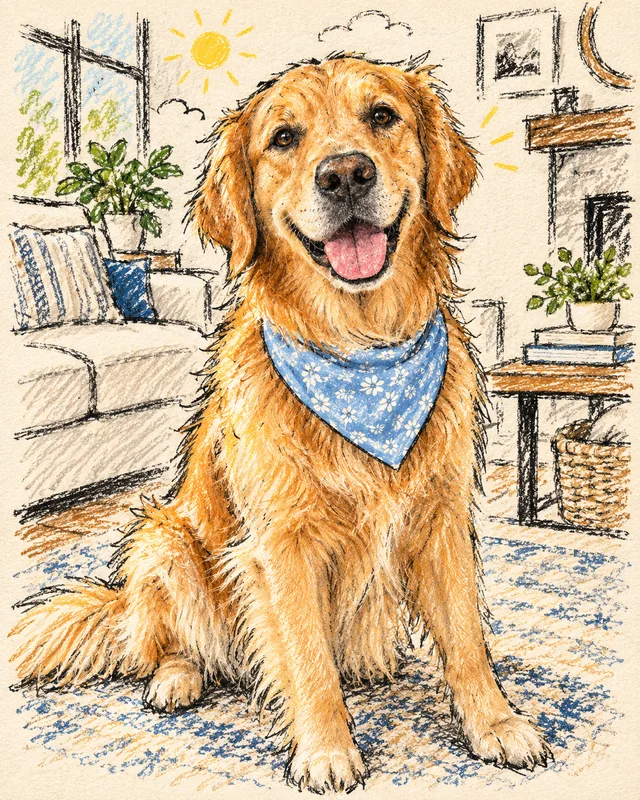
One demonstration pair supplied by the site owner, not a customer order. Results vary with the input image and generation model.
View the combined comparison
A drawing, not a filter
The result is not a grayscale filter or an edge trace. AI generates a new illustration in a colored-pencil style on warm paper, using your photo as the reference — details may change.
It keeps the colors and mood of the original instead of stripping them away.
Photos that draw well
Clear subject, good light, less clutter: a sharp photo where the face or main subject is easy to see gives the drawing a better starting point.
Avoid heavy filters, motion blur, deep shadows or objects covering important details.
From upload to download
Choose a canvas ratio (2:3, 1:1 or 3:2), optionally add short poster text, and generate. Each illustration uses 1 credit and appears in the app when done.
How it works
- Upload a photo
Choose one photo you have the right to use — JPG, PNG or WebP, up to 10 MB.
- Generate the illustration
Confirm the consent box and generate. Each illustration uses 1 credit.
- Download within 7 days
Your artwork appears when the job completes and stays available for 7 days.
Style examples
These are AI style examples, not customer orders — your result varies with your photo.
Questions
How do I turn a photo into a sketch?
Upload one JPG, PNG or WebP photo, choose an available style and canvas shape, confirm photo permission, then generate the illustration and download it when done. Each illustration uses 1 credit.
Can I convert a photo to a sketch online?
Yes. Upload a photo here, choose a style and ratio, confirm the photo rights, and generate — your file is ready to download when the job finishes.
Can I try portraits, pets or scenery?
You can try any clear photo — portraits, pets or everyday scenes. Results vary with the photo and the generation model.
What file do I get?
A digital image file in the ratio you choose (2:3, 1:1 or 3:2), kept in the app for 7 days to download.
Is this the same as a photo filter?
No. It is generative AI illustration that uses your photo as a reference — the drawing is newly created, not a grayscale or edge effect applied to the pixels.
How much does a conversion cost?
Each illustration uses 1 credit. Open Get credits for the current packages and prices.
Check current prices, terms, privacy information and support details before purchasing.
My collection
A collection of your small, colorful moments.
Get credits
One credit per illustration. Failed generations return your credit.
Choose a payment method
Credit purchases are not available right now.